Skip to content
Photoshop Tutorials
  • Tutorials
    • Basics
    • Drawing
    • Layouts
    • Photo Effects
    • Photo Manipulation
    • Photo Retouching
    • Special Effects
    • Text Effects
  • Inspirations
    • 3D
    • Design Resources
    • Digital Arts
    • Fine Arts
    • Graphic Design
    • Misc
    • Photography
    • Web Design
  • Downloads
    • Lightroom Presets
    • Mockups and Graphics
    • Photoshop Actions
    • Photoshop Brushes
    • Photoshop Gradients
    • Textures
  • Reviews
    • Books
    • Design Tools
    • Photoshop Addons
    • Software
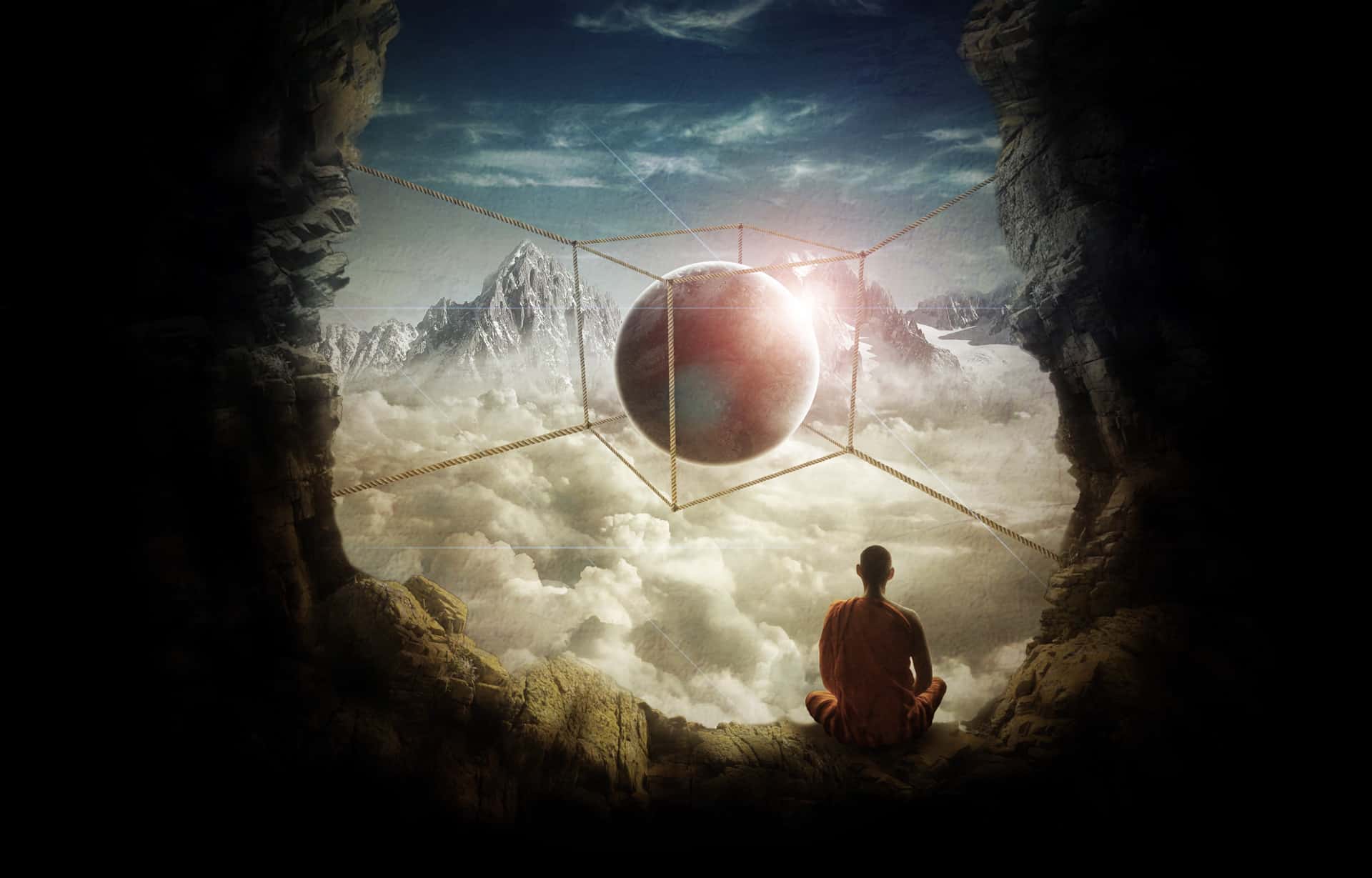
  • Create a Surreal Photo Manipulation of a Monk in the Caves

    Create a Surreal Photo Manipulation of a Monk in the Caves

    Nov 4, 2026

    —

    by

    Guilherme Pejon
    Photo Manipulation Photoshop Tutorials Updated
  • Quick Tip: Erase Backgrounds Quickly With The Background Eraser Tool

    Quick Tip: Erase Backgrounds Quickly With The Background Eraser Tool

    Oct 23, 2026

    —

    by

    Guilherme Pejon
    Basics Photoshop Tutorials Updated
  • Create a Mysterious Scene with Planets

    Create a Mysterious Scene with Planets

    Oct 1, 2026

    —

    by

    Guilherme Pejon
    Photo Manipulation Photoshop Tutorials Updated
  • How to Create a Surreal Scene Full of Life in Photoshop

    How to Create a Surreal Scene Full of Life in Photoshop

    Sep 26, 2026

    —

    by

    Guilherme Pejon
    Photo Manipulation Photoshop Tutorials Updated
  • How to Create a Stars and Planets Time Lapse in Photoshop

    How to Create a Stars and Planets Time Lapse in Photoshop

    Dec 11, 2012

    —

    by

    Guilherme Pejon
    Photo Manipulation
  • How to Create a Surreal Scene with an Invisible Man Inside a Mystic Cave

    How to Create a Surreal Scene with an Invisible Man Inside a Mystic Cave

    Jul 16, 2012

    —

    by

    Guilherme Pejon
    Photo Manipulation
  • Replace Skies with These Photoshop Actions

    Replace Skies with These Photoshop Actions

    Nov 16, 2017

    —

    by

    SparkleStock
    Downloads Photoshop Actions
  • How to Create the Light & Airy Look in Photoshop

    How to Create the Light & Airy Look in Photoshop

    Jul 18, 2019

    —

    by

    Photoshop Tutorials
    Photo Effects Photoshop Tutorials

Stay updated

Get the latest Photoshop tutorials delivered to your inbox.

Join 21.7K other subscribers

Top Posts

Freebie: 5 Skin Retouching Photoshop ActionsFreebie: 5 Skin Retouching Photoshop Actions
How to Create a Surreal Elephant Photo Manipulation with Adobe PhotoshopHow to Create a Surreal Elephant Photo Manipulation with Adobe Photoshop
How to Create a Professional Web Layout in PhotoshopHow to Create a Professional Web Layout in Photoshop
How to Create an Amazing Space Battle Scene in PhotoshopHow to Create an Amazing Space Battle Scene in Photoshop
How to Create an Amazing Watercolor Artwork in PhotoshopHow to Create an Amazing Watercolor Artwork in Photoshop
Quick Tip: The Correct Way to Create Curved TextQuick Tip: The Correct Way to Create Curved Text
Create This Gorgeous Moonlight Poster of a Girl Walking on a RailwayCreate This Gorgeous Moonlight Poster of a Girl Walking on a Railway
Create a Library Aquarium PhotomanipulationCreate a Library Aquarium Photomanipulation
Photoshop Tutorials

Photoshop tutorials for beginners to experts. Learn tips and tricks on how to use Photoshop for photo editing, manipulations, designs, and more.

  • Write for Us
  • Contact
  • Privacy Policy
    • Cookie Policy
  • Terms and Conditions

© Copyright 2000px Media Inc. All trademarks or registered trademarks are property of their respective owners.