
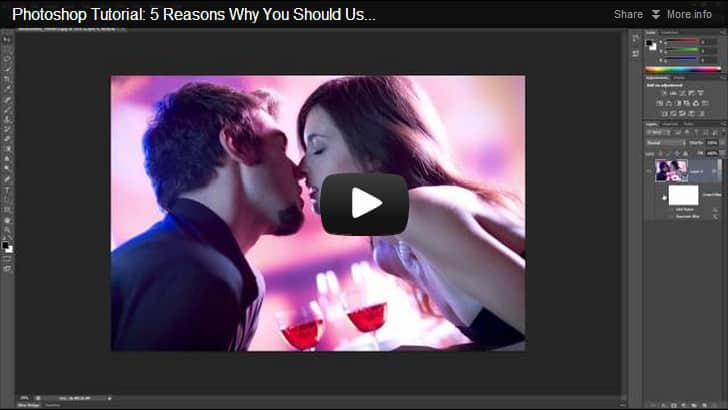
Learn what Smart Objects are and why you should use them as much as you can. This tutorial will show you how you can use Smart Objects to make transformations without any loss in quality, apply filters you can change at a later time, and more. Watch this video and find out the 5 reasons why you should switch to Smart Objects.
10 responses to “Photoshop Video Tutorial: 5 Reasons Why You Should Use Smart Objects”
-

I’m glad someone else mentioned how fast this tutorial was. It was like you were on speed–if you are a you–you sound more like a robot.
-
Looks so festive.
-
I’m enjoying every piece of this tutorial. The music, the clear voice and the presentation. I even played it more than once altough I already got the lessons.
-
Good video but it’s too fast for people like myself whose mother tongue is not English and besides who are newbies in PS so that are not so familiar with some menus/tools and concepts. Could you not make it a bit slower?
Also the background music is too loud and so distracting. -
Sadly, the background music was so overwhelming, I had to stop watching the video. It was extremely distracting and annoying, taking away from the lesson. It seemed like it was more about the music, and less about the message. Very sad indeed, looked like a great lesson
-
The content is helpful, but the background music is distracting and annoying.
-
What’s the name of the song? Your videos are so enjoyable!
-
Should be called Smart LAYERS ;)
Like Smart FILTERS -
Another reason is if you need to increase the resolution of your PSD in the future, you can get the highest quality out of it. Like if you make a 500px image then increase the image size to 1000px, those pictures will be enlarged from their original data.
Of course, other elements that aren’t smart object will be low res but that’s why you stick with smart objects, vector shapes, and adjustment layers!
-
Your voice is so good!


Leave a Reply