
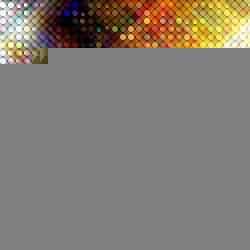

Make your artwork look like they're from an alternate universe. These Cyberpunk presets work with Photoshop (via the Camera Raw filter) and Lightroom. Download all 788 presets for 90% off.
Turn a regular photo into a high-tech digital artwork.
Digital Star Effect Photoshop Tutorial
Creating the Dots - Part One
First, we'll transform a photo into a series of circles. This is done by combining several filters.
Step 1
Open an image to edit.
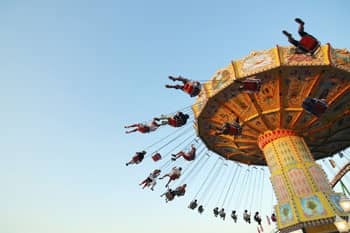
Step 2
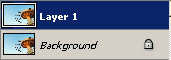
Duplicate the layer (Layer> Duplicate Layer or Ctrl+J).
Step 3
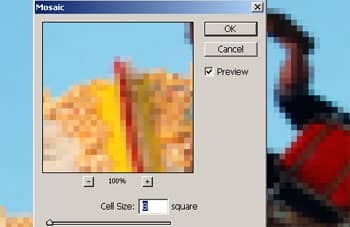
Select the new layer and apply a Mosaic filter (Filter> Pixelate> Mosaic) with a Cell Size of 8 square.
Step 4
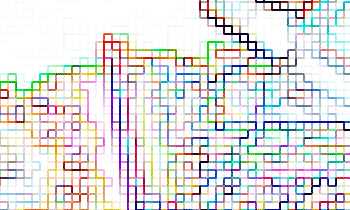
Apply a Find Edges filter (Filter> Stylize> Find Edges).
Step 5
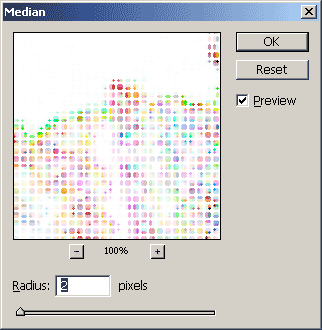
Apply a Median filter (Filter> Noise> Median) with a Radius of 2 pixels.
Step 6
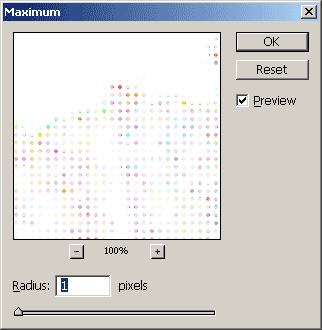
To reduce the size of the dots, we'll use the Maximum filter (Filter> Other> Maximum) to enlarge the white areas. Use a Radius of 1 pixel.
Step 7
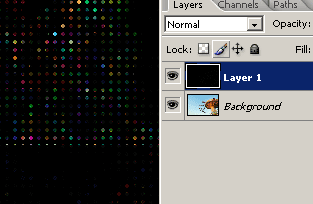
Invert (Image> Adjustments> Invert or Ctrl+I).
Creating the Dots - Part Two
Now we'll create the outline of the circles. This layer will also be reused to create the star effect in the next page.
Step 8
Duplicate the top layer (Layer> Duplicate Layer or Ctrl+J) and change the blending mode to Screen.
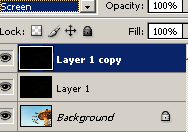
Step 9
Apply a Find Edges filter (Filter> Stylize> Find Edges).
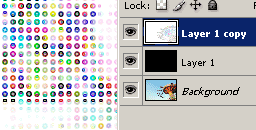
Step 10
Invert (Image> Adjustments> Invert or Ctrl+I).
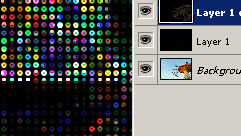
The Star Effect
In this section, we'll add the star effect. This is done using the motion blur filter.
Step 11
Duplicate the top layer twice (Layer> Duplicate Layer or Ctrl+J).
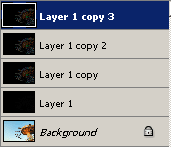
Step 12
Activate the top layer and apply a Motion Blur filter (Filter> Blur> Motion Blur). Set the angle to 45º and the distance to 100 pixels.
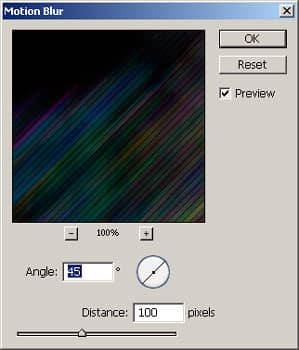
Step 13
Apply an Auto Levels (Image> Adjustments> Auto Levels or Shift+Ctrl+L).
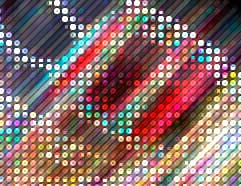
Step 14
Now we're going to do the same steps againusing a different Motion Blur angle on a different layer. Activate the layer below (Layer 1 copy 2) and apply a Motion Blur filter (Filter> Blur> Motion Blur). Simply type a "-" sign in front of the 45º and click OK.
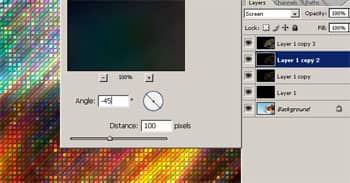
Step 15
Apply an Auto Levels (Image> Adjustments> Auto Levels or Shift+Ctrl+L).
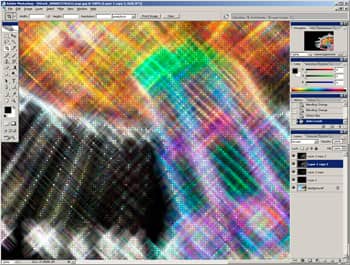
Step 16
Add a Brightness/Contrast adjustment layer (Layer> New Adjustment Layer> Brightness/Contrast) and adjust the settings to get the results you want.
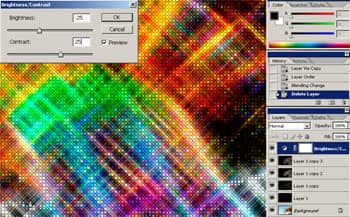
Final Results
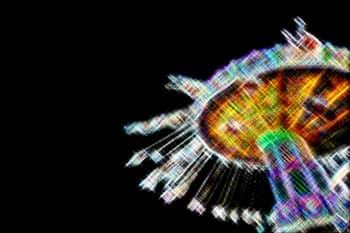
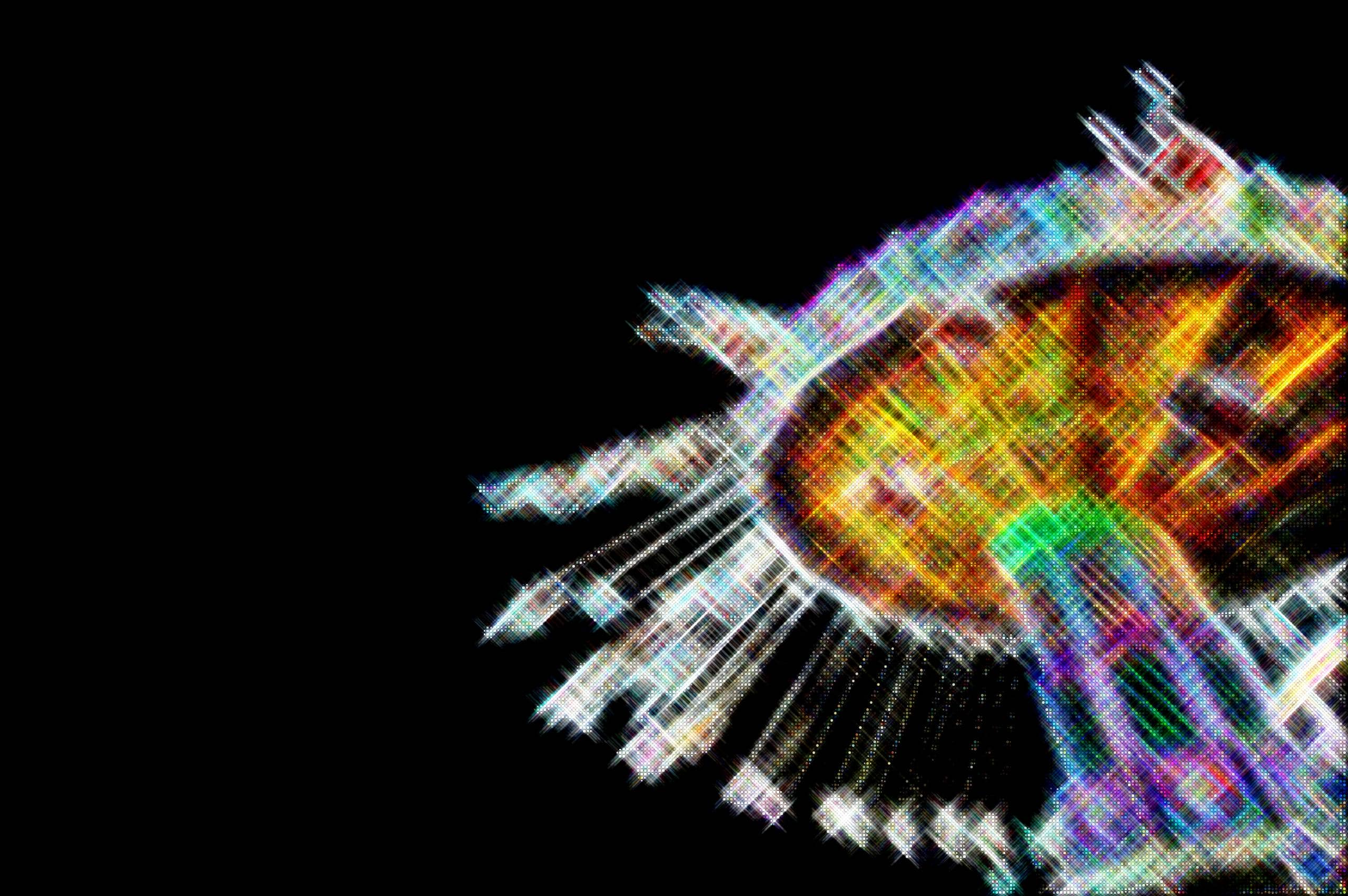
(Click to view the 100% full size image)
10 comments on “Digital Star Effect”
thak you. i'am korean
it was very awsome.
I used your tutorial to create a picture that I would like to use in my portfolio. If you would like to see the picture you can find it here....https://lpkautz.wordpress.com/my-works/#jp-carousel-73. I would like your permission to use the photo I made using your tutorial.
WTF IS THIS!
Great Work!
Really an amazing tutorial. Step by Step tutorial and easy to understand. Great Work.
Is it meant to stop at step 7? Because that doesn't look like what it does at the top
Magnificent, Tks!
superb
Great tutorial, very useful. I made some festive textures with this technique. Thanks!
Great tutorial, very useful. I made some cool textures with this method. Thanks!