
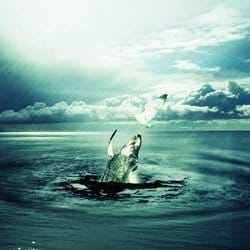
Learn how to create this photo manipulation using five stock photos. The final results is of a hungry whale stealing a goldfish from a seagull. This tutorial will show you how to combine stock photos, apply a rain effect, then finish it off with a dramatic photo effect.
Preview of Final Results

Whale Stealing from a Seagull Photoshop Tutorial
Resources
- Crack Brushes TWENSTUDIO
- WaterFalls Brushes TWENSTUDIO
- Bird – Larry Ye | Dreamstime.com
- Fish – yoink | sxc.hu
- Sea – Patricia Aline Willis | Stockvault.net
- Whale – BrettAtkins | istockphoto.com
Step 1
Create a new document using Photoshop with the following dimensions: 1920 X 1200 Pixel. Make sure to remove the lock option from the background and rename it to: Bg.


Step 2
Create new layer and call it Vortex. Afterwards, apply effect Clouds using those steps: Filter > Render > Clouds. .
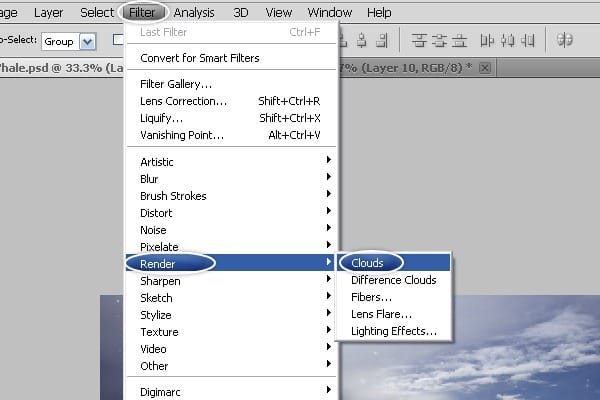
Step 3
Use the same steps to apply the effect again by clicking CTRL+F or Filter > Clouds.

Step 4
Next, convert Clouds to Vortex with Filter > Distor > Polar Coordinates.

Step 5
Select Rectangular to Polar and Click Ok!.

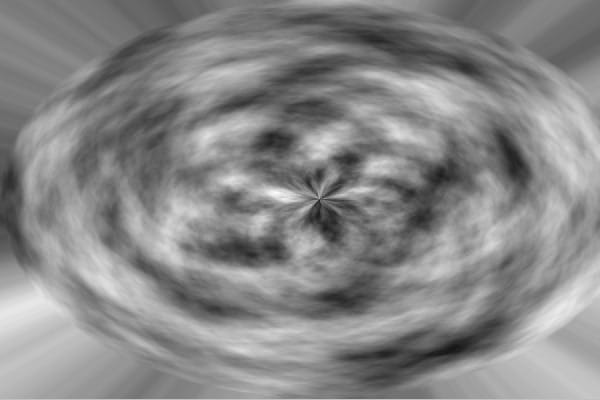
Step 6
Change the Vortex size Layer by clicking Edit > Free Transfrom or CTRL+T..
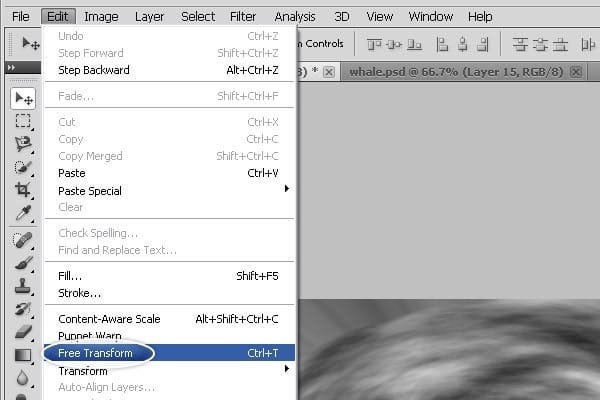

Step 7
Change mode to Soft Light.
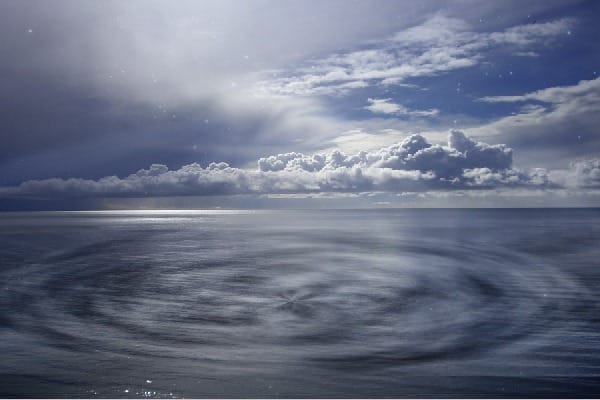
Step 8
Add new mask to Layer Vortex.


Step 9
Select Brush Tool and remove Edges by following the steps.
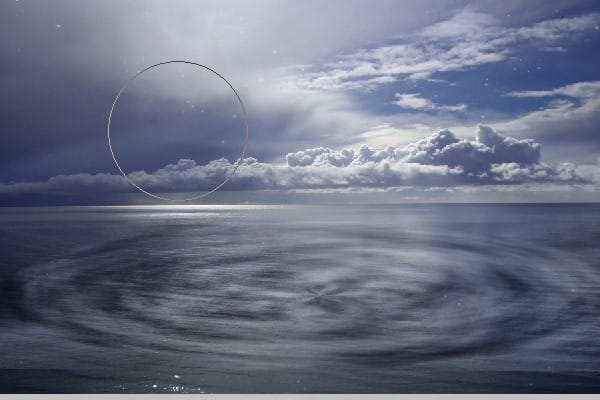
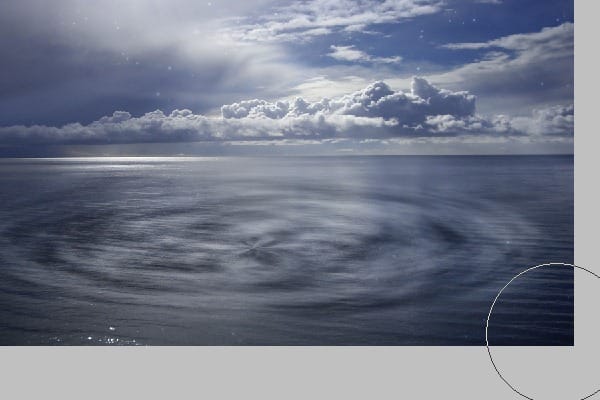

Step 10
Let’s make Vortex little dark go to Image > Adjustments > Curves or CTRL+M .

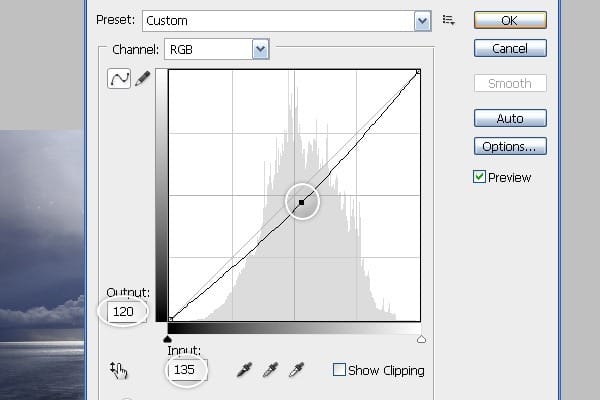
Step 11
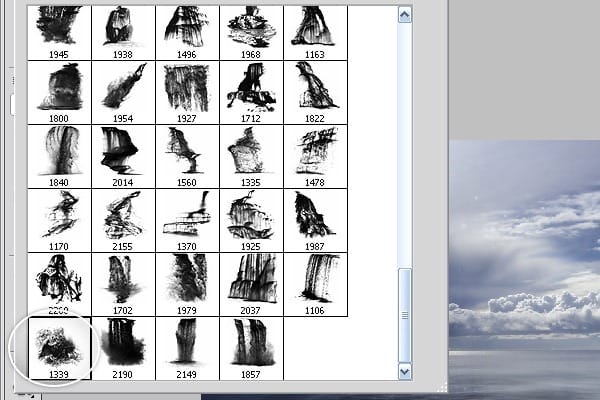
Press B and Select Waterfalls Brush number 1339.
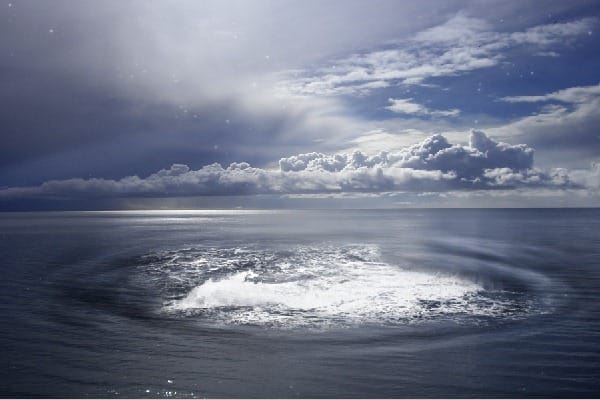
Step 12
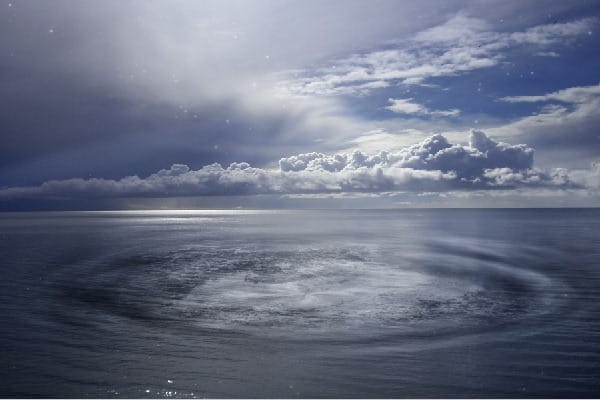
Change Mode to Soft Light.
Step 13
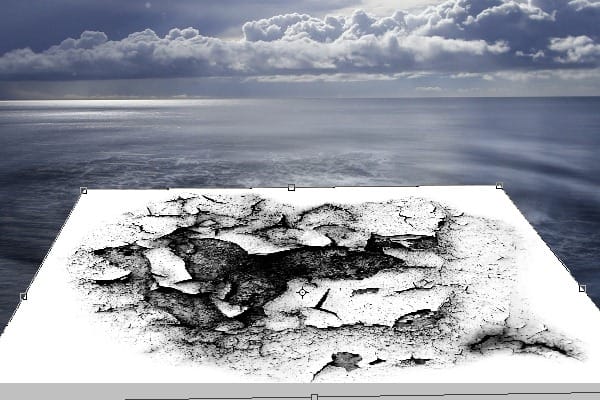
Let’s add some Crack to work. you can use Crack Brush or just a Picture. copy and paste into project and Press CTRL+T or Edit > Free Transfrom.

Step 14
Follow the same steps and do the same thing as I did before with the Vortex.

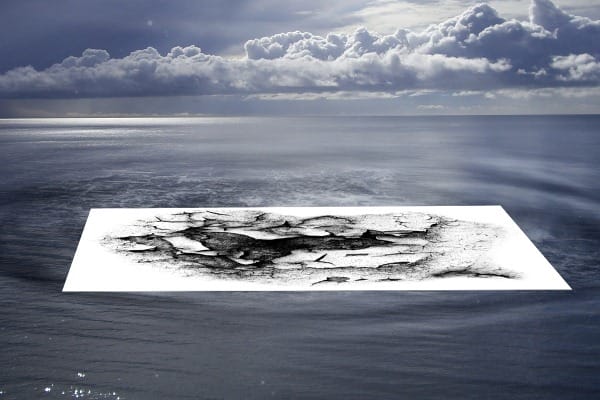
Step 15
Change Mode to Color Burn.

Step 16
Add new Mask to Crack Layer.

Step 17
Select Soft Brush and remove Edges from Crack.
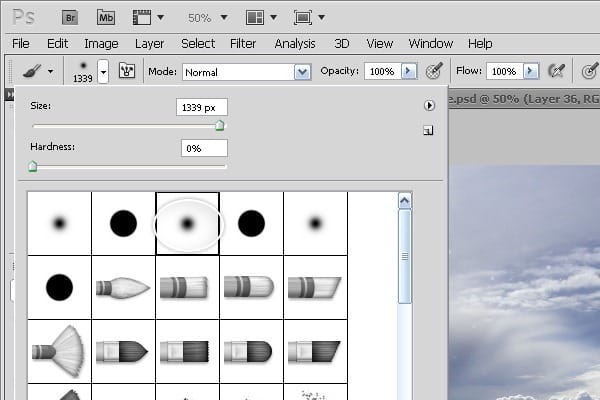

Step 18
Open the whale picture and Select just part of it. Copy and paste into Project.

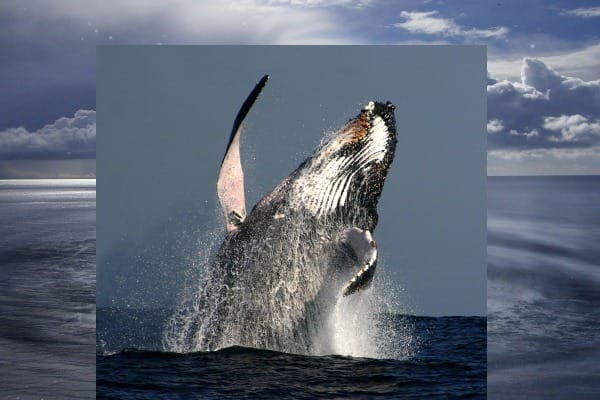
Step 19
Change the size of the whale to small by clicking CTRL+T
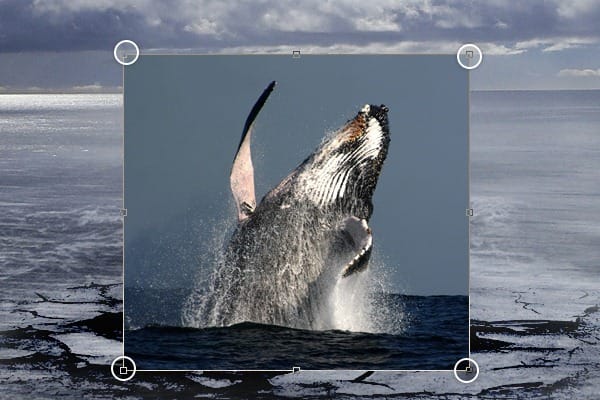
Step 20
Add new Mask to whale layer.
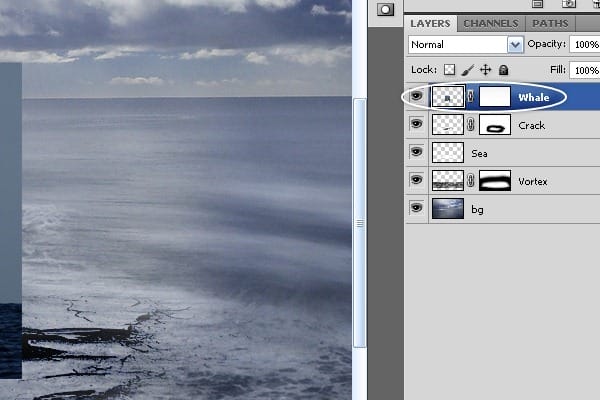
Step 21
With your Brush tool remove the background from the Whale’s picture.
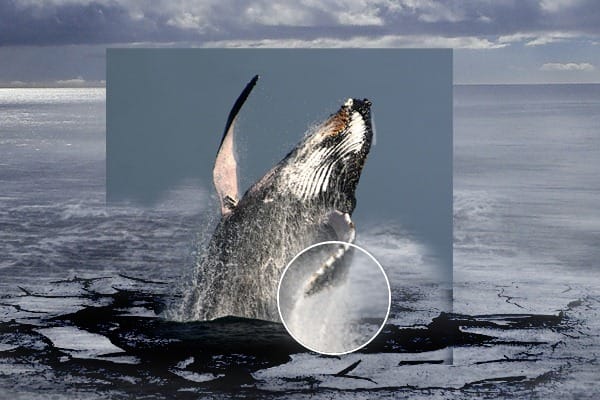
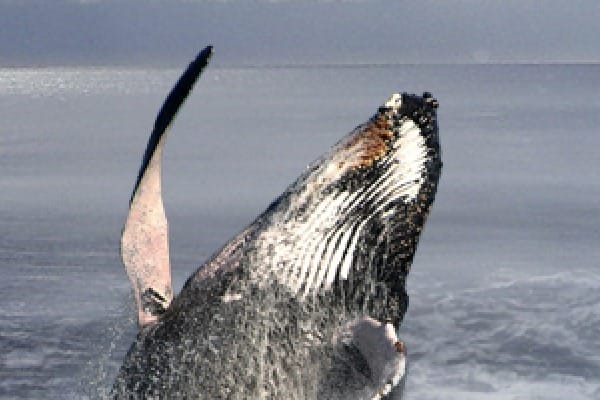
Step 22
After doing an amazing job with the whale, let’s Open the Bird picture.
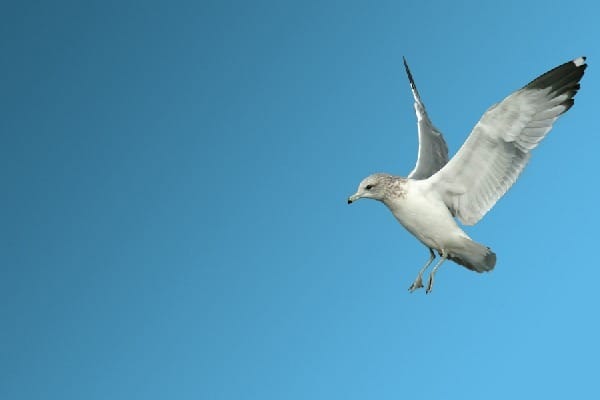
Step 23.
Let’s Remove the background from the Bird’s image! it’s an easy process. just follow my foot steps and you’ll do great!!!! First Make sure you Remove the Lock from the Background. to remove the lock from the background press ALT+Double Click on the Background, right?!! Looks like everything is ok right now. So let’s remove it with Select > Color Range.
3 responses to “Create a Dramatic Photo Manipulation of a Whale Stealing from a Seagull”
-

thanks alot
-
Awesome..!
-
wonderful. Thanx


Leave a Reply